
Beiträge von Sunshine Akira

    The plugin doesnt support characters which are not part of the ansi/latin-1 set. If possible, try changing material and texture names accordingly.

    Thanks for the answer! I noticed one of the material were named with chinese charaters, so I changed it to letters, but when I tried to export it again, it showed me another error information:

    Spoiler anzeigen

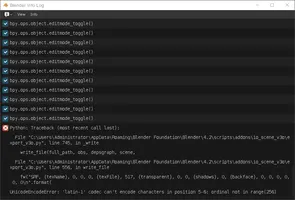
    Python: Traceback (most recent call last):
    File "C:\Users\Administrator\AppData\Roaming\Blender Foundation\Blender\4.2\scripts\addons\io_scene_v3o\export_v3o.py", line 745, in _write
    write_file(full_path, obs, depsgraph, scene,
    File "C:\Users\Administrator\AppData\Roaming\Blender Foundation\Blender\4.2\scripts\addons\io_scene_v3o\export_v3o.py", line 290, in write_file
    polygons[totpolys+1] = [pverts[0]+totverts+1, pverts[1]+totverts+1, pverts[2]+totverts+1, materials[p.material_index].name]
    ^^^^^^^^^^^^^^^^^^^^^^^^^^^^^^^^
    AttributeError: 'NoneType' object has no attribute 'name'

    Hi there, I got same problem with 4.2+ version.

    It will show a error information when I try to export as v3o model:

    Spoiler anzeigen

    Python: Traceback (most recent call last):
    File "C:\Users\Administrator\AppData\Roaming\Blender Foundation\Blender\4.2\scripts\addons\io_scene_v3o\export_v3o.py", line 745, in _write
    write_file(full_path, obs, depsgraph, scene,
    File "C:\Users\Administrator\AppData\Roaming\Blender Foundation\Blender\4.2\scripts\addons\io_scene_v3o\export_v3o.py", line 556, in write_file
    fw("SRF, {texName}, 0, 0, 0, {texFile}, 517, {transparent}, 0, 0, {shadows}, 0, {backface}, 0, 0, 0, 0, 0, 0\n".format(
    UnicodeEncodeError: 'latin-1' codec can't encode characters in position 5-6: ordinal not in range(256)

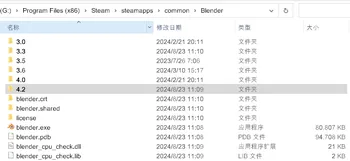
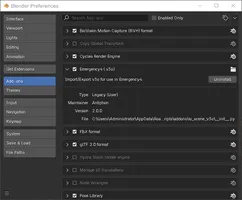
    I'm using 4.2 version of blender, and 2.0.0 version of v3o plugin. (I also tried export with "3.3 - Stable - LTS" version of Blender and old version of v3o plugin before, but it still show the error information.)

    Hi

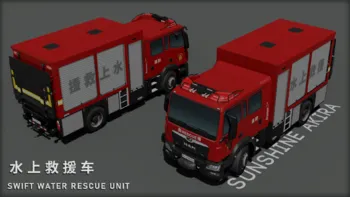
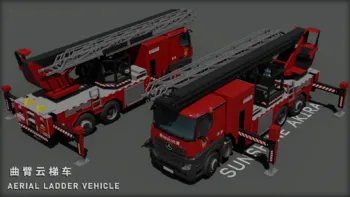
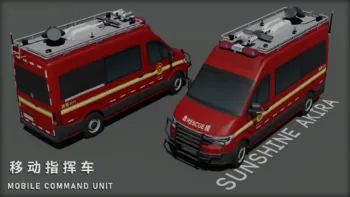
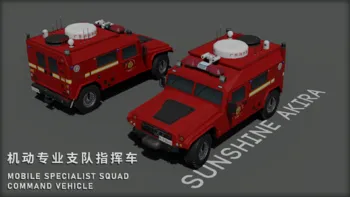
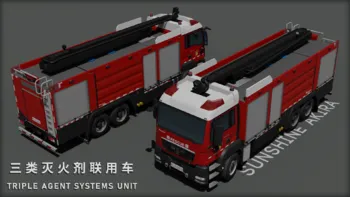
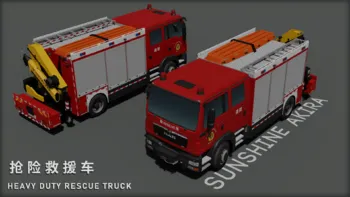
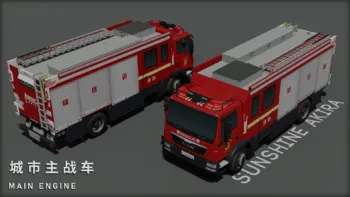
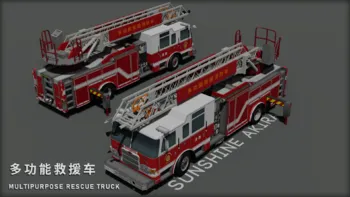
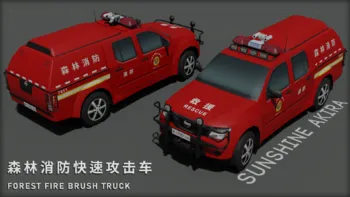
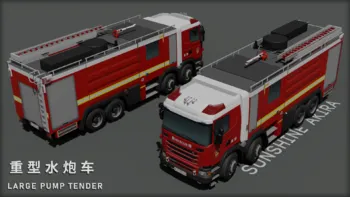
    Here I want to share some skins made for my WIP China Zhuhai Mod.:)

    MAN TGM - Swift Water Rescue Unit

    Mercedes-Benz Actros - Aerial Ladder Vehicle

    Volkswagen Crafter - Mobile Command Unit

    Dongfeng Mengshi - Mobile Specialist Squad Command Vehicle

    MAN TGS - Triple Agent System Unit

    MAN TGM - Heavy Duty Rescue Truck

    MAN TGM Euro 6 - Main Engine

    Pierce Arrow XT - Multipurpose Rescue Truck

    Nissan Navara - Forest Fire Brush Truck

    Scania G360 - Large Pump Tender

    Credits:

    Spoiler anzeigen

    Alert Lei, Sweeney, D4rk_Bone, Tobbi92, THVFD, itchboy, TimTim, Firefighter1790, Danny, V.o.j., R3ST Design. / RD_Saarland, Florian Eschweiler, Florian Hagen, Waegi, Highliner, Bernt, Stadtaffe, DrShooter, BFEMP, ERS, Fry, Eiserner_Onkel, Steven, Blacky, Blacky, MadMonk, DrDrummer, Geronimo EKIA, Wesermarsch, fresh freddie, FireHunter

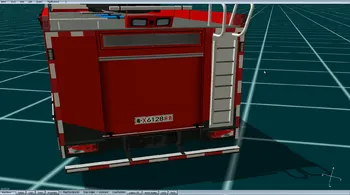
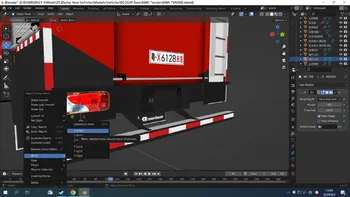
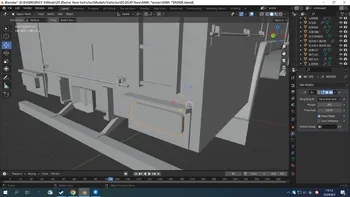
    When I editing vehicle models in Blender, I always use "Mirror", "X Global" function to copy and reverse a parts to another side, such as rearlights or flashlights.

    The shading is normal in Blender.

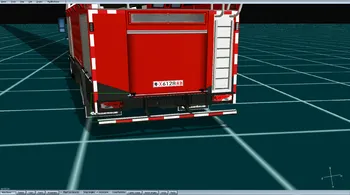
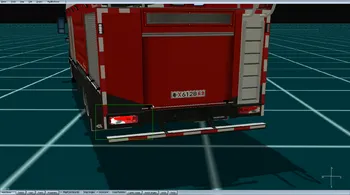
    But the only problem is that the shading was also reversed in the game editor.

    You can see the parts that mirrored has weird shading, it became dark when facing the sunlight, and became bright when it's in the shadow.

    This problem has puzzled me for a long time, and I don't know how to fix it.;(

    Hi there, Glad to see the forum was relive again! It's really sad that the old Emergency forum has gone.;(

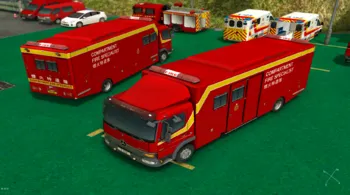
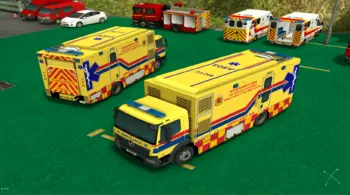
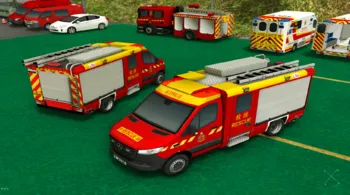
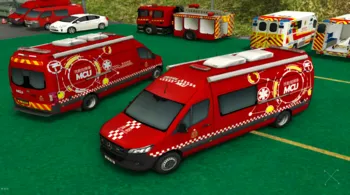
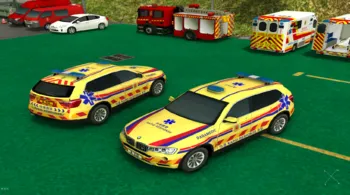
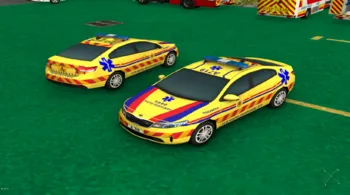
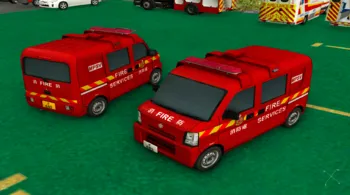
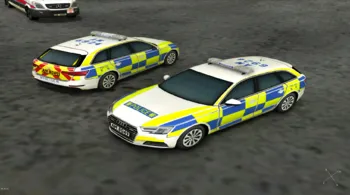
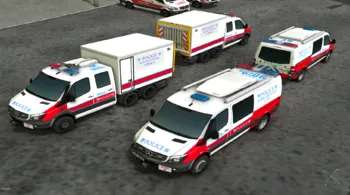
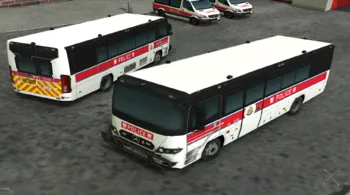
    Here I want to show some new vehicles for my WIP Hong Kong SAR Mod.
    Hong Kong Fire Services Department:

    Compartment Fire Specialist Truck F515

    Mobile Casualty Treatment Centre - A803

    Light Rescue Unit - F2536

    Light Mobile Command Unit - F7711

    Rapid Response Vehicle - A710

    Rapid Response Vehicle - A719

    Fire Van - F685

    Hong Kong Police Force:

    Traffic Police Audi - AM8049

    Explosive Ordnance Disposal Squad - AM9839 & AM9819

    Police Tactical Bus - AM7659

    Credits:

    Spoiler anzeigen

    上校さん, 格林, Hieo, Syameimaru, Chidea, Firefighter1790, Flo Hagen, Stormi, Flash Over, D4rk_Bone, FeuHa, Stormi, Florian Hagen, Fireguy, Dominik N, Stormi, Florian Hagen, dnm, Itchboy, TimmeyX, MadMonk, ERS Berlin, Janku, Fire Dept. Boston, Nikolas, em-modder, Stormi, Sven0815 und Geronimo EKIA
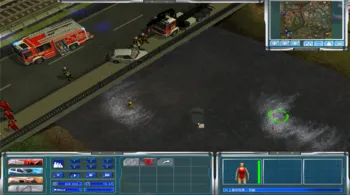
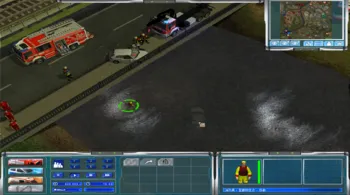
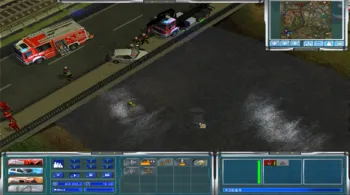
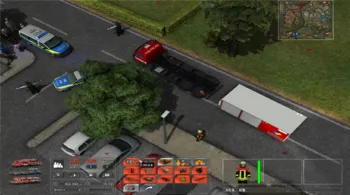
    there was an unliftable sunken vehicle in this traffic accident event near the THW station. I tried to use DLRG crew or a firefighter with life vest to dive into it, but the sunken vehicle was not clickable, even the the crane from WLF cannot lift it up. are there any way to solve it or it's just a bug?:/

    You first have to equip two firefighters with SCBA gear, then send them to the GW-Umweltschutz (not sure if it works with the AB-Gefahrenschutz as well, probably). With the firefighters selected, in their TH submenu, you should then be able to select to equip the guys wearing breathing apparatuses further with HAZMAT suits, classes II or III.

    You need to change to scuba gear first. After that, you can select the hazmat-suits. ;)

    Thanks for your answer, this mod is amazing!

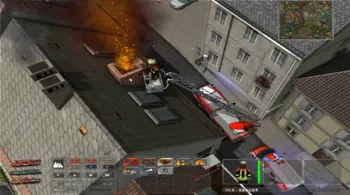
    But I have another question: How to solve with this chimney fire event? I tried to using water or foam for extinguish before, but that will cause the fire spread to whole building, so this time I tried to lift a firefighter with fire extinguisher to the chimney, but I can't give an "extinguish" command on it.

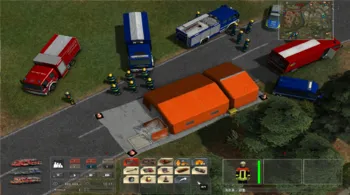
    Did anyone know how to change HAZMAT suit for firefighters or THW crews? I got a hazardous transport accident event, so I alarmed the HAZMAT unit and deployed the decontamination tent, but I didn't find any button for changing the HAZMAT suit. and when I tried to move the victims into the tent, it said "It needs at least two firefighters with HAZMAT suit in the tent first."

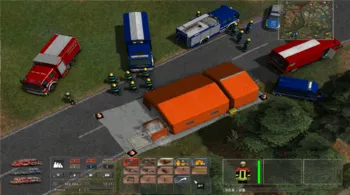
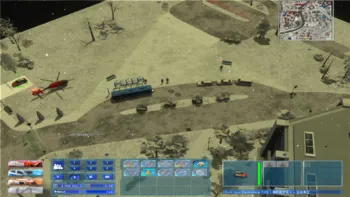
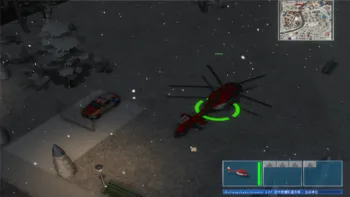
    Here's the screenshots (The translation was made by myself, just ignore it):